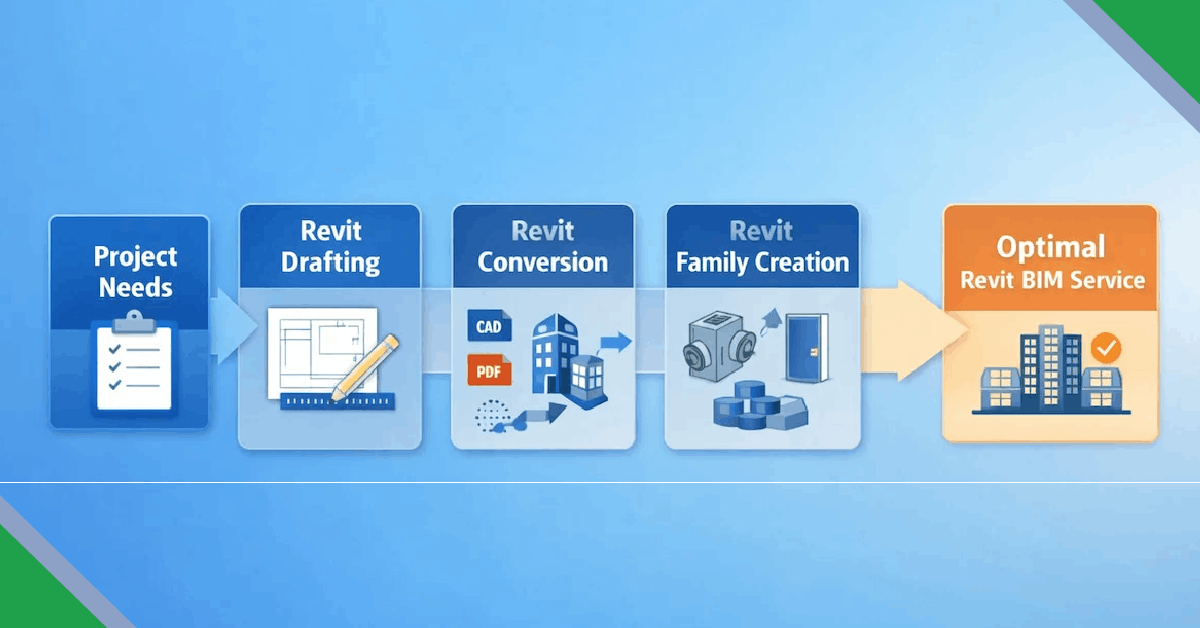
Revit BIM services are used across different stages of design, documentation, and construction. However, choosing the right Revit BIM service depends on project requirements, available inputs, and expected outputs. The three most commonly used services are Revit drafting, Revit conversion, and Revit family creation.
This guide outlines a clear process to help project teams select the most suitable Revit BIM service based on practical project needs.
Step 1: Identify Your Project Requirement
The first step is understanding what your project needs to achieve. Different stages of a project require different BIM deliverables.
- New design development
- Documentation of existing buildings
- Renovation or retrofit planning
- Standardization of BIM components
Step 2: Understand the Types of Revit BIM Services
Revit BIM services are broadly categorized into three types, each serving a specific purpose.
- Revit Drafting: Creating models and drawings from design inputs
- Revit Conversion: Converting CAD files, PDFs, or point clouds into Revit models
- Revit Family Creation: Developing custom, parametric BIM components
Step 3: Choose Revit Drafting When
Revit drafting is suitable when models and drawings need to be created from scratch based on design intent.
- Architectural or MEP designs are in early stages
- Construction drawings are required for new builds
- Design revisions need frequent updates
Step 4: Choose Revit Conversion When
Revit conversion services are required when existing data needs to be transformed into an intelligent BIM model.
- AutoCAD or PDF drawings need conversion to Revit
- Point cloud data must be modeled accurately
- As-built documentation is required for existing structures
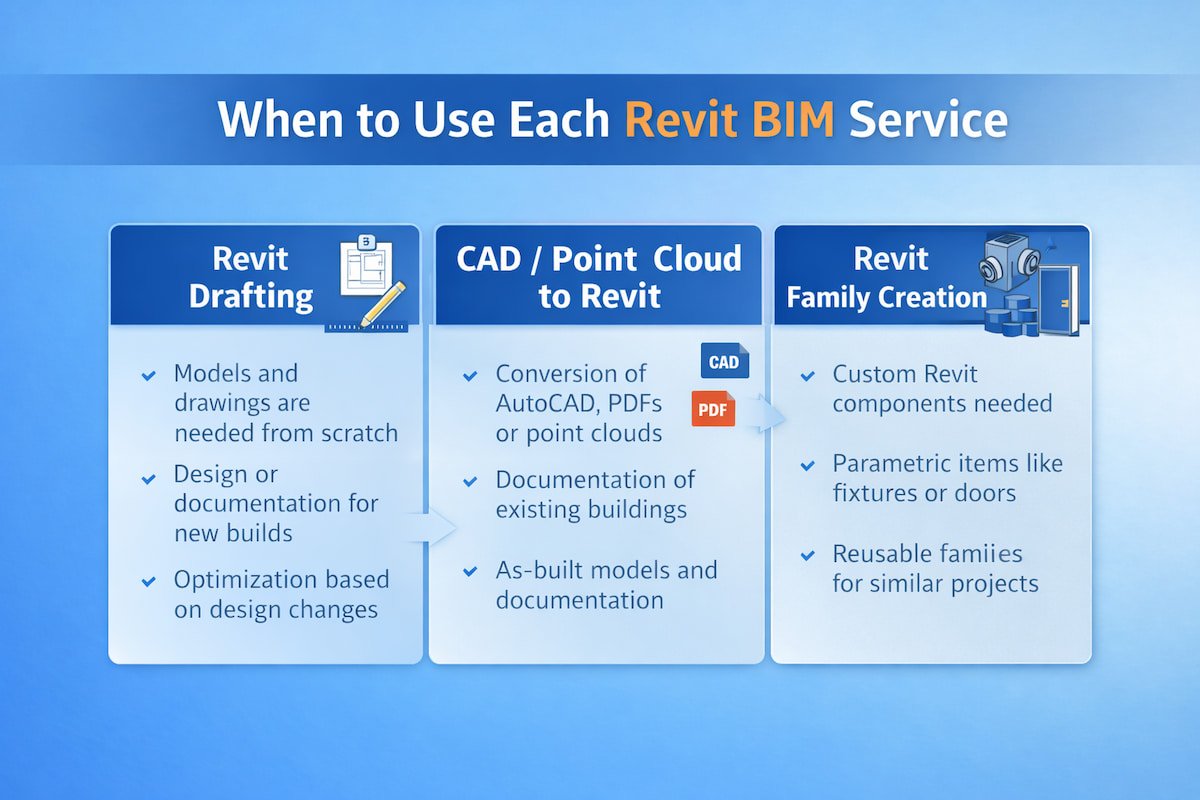
For guidance on selecting services visually, the comparison below highlights when each Revit BIM service is most applicable.
Step 5: Choose Revit Family Creation When
Revit family creation is ideal when projects require reusable, parametric BIM components.
- Custom doors, windows, fixtures, or equipment are needed
- Families must comply with BIM standards
- Consistency across multiple projects is required
Step 6: Define Level of Detail and Project Standards
Before finalizing the service, determine the required Level of Detail (LOD) and BIM standards.
- LOD 200 for conceptual coordination
- LOD 300 for detailed design documentation
- LOD 400 for fabrication and construction use
Step 7: Align the Service with Construction and BIM Goals
The selected Revit BIM service should support downstream goals such as coordination, quantity take-offs, and facility management.
- Clash detection and coordination
- Accurate quantities and schedules
- Reliable as-built BIM models
Conclusion
Choosing the right Revit BIM service depends on understanding project inputs, required outputs, and long-term BIM objectives. Revit drafting, conversion, and family creation each serve a distinct role within the BIM workflow.
A structured approach ensures the selected service supports project efficiency, accuracy, and scalability.